

Cx File Explorer
5.0
10 ratings18 MB
SizeVerified
SCREENSHOTS (8)


About the app
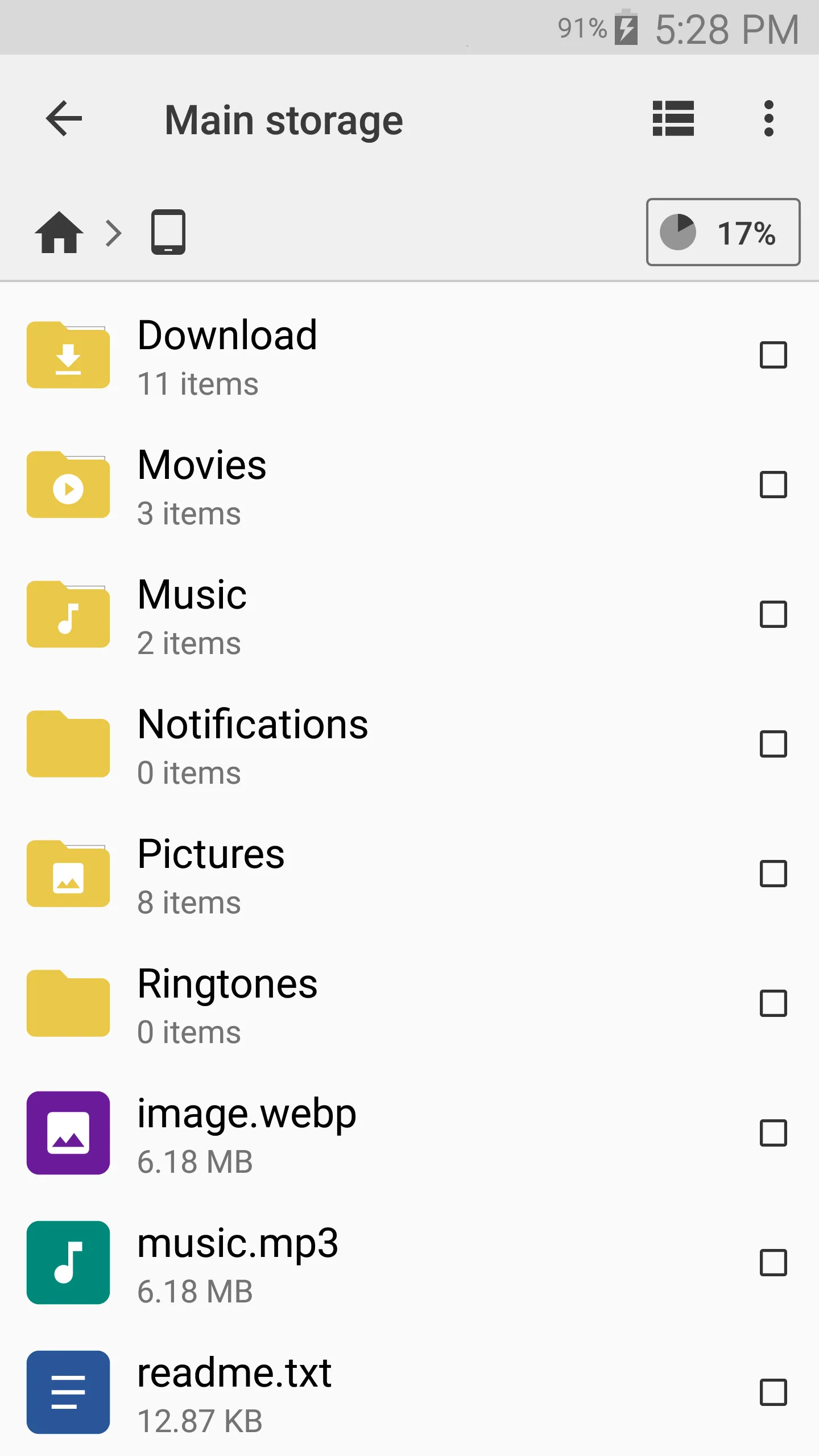
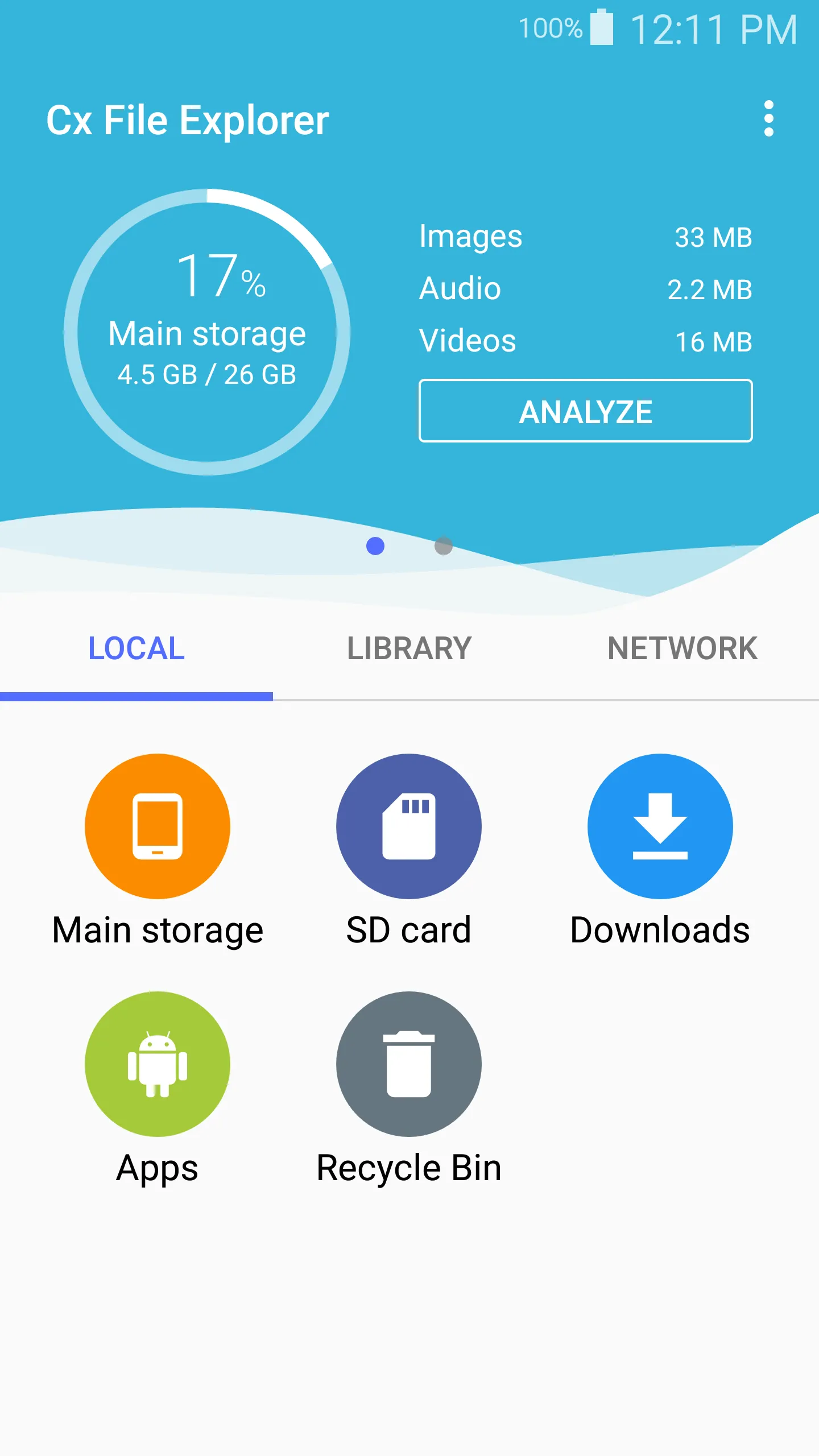
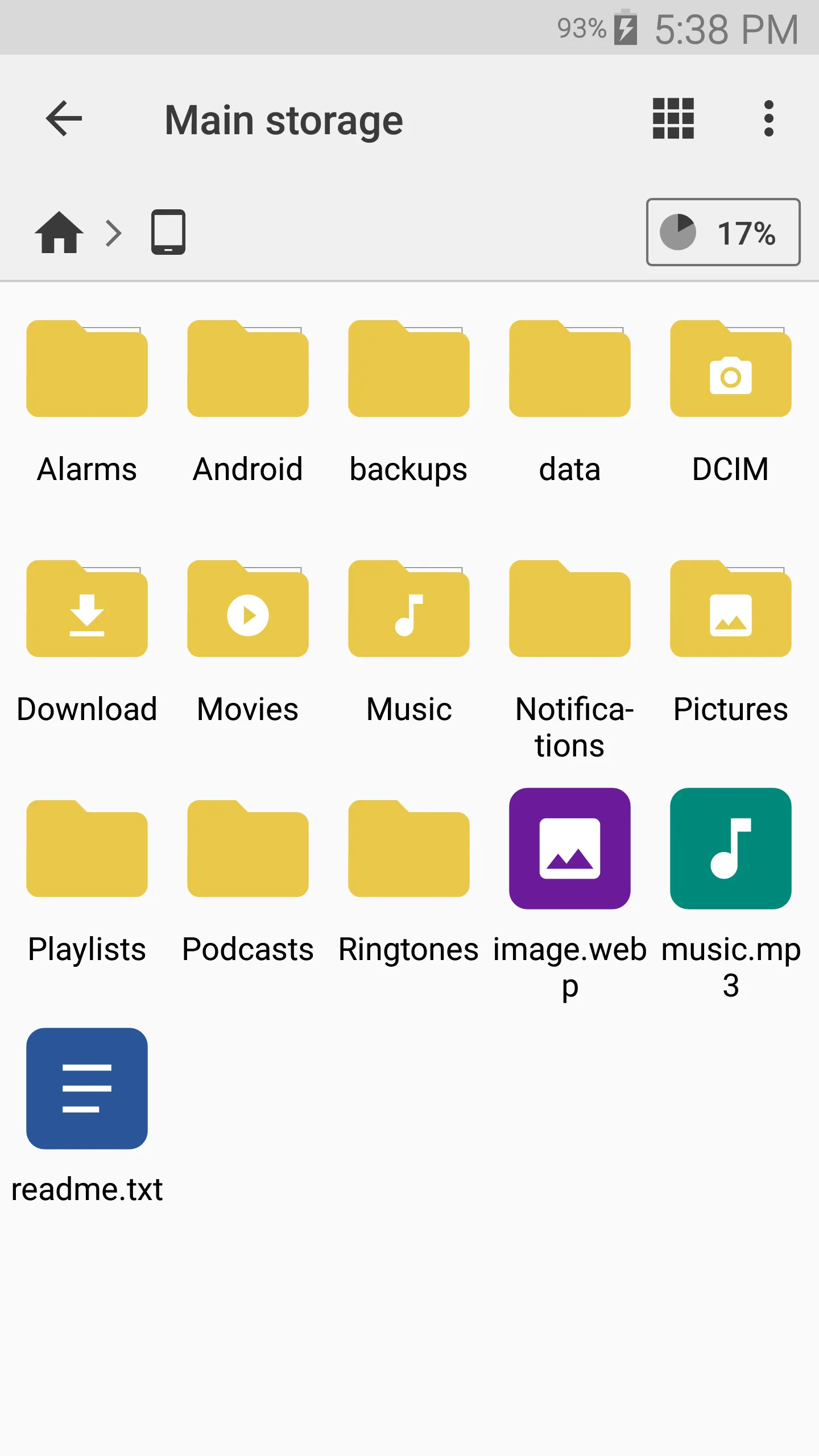
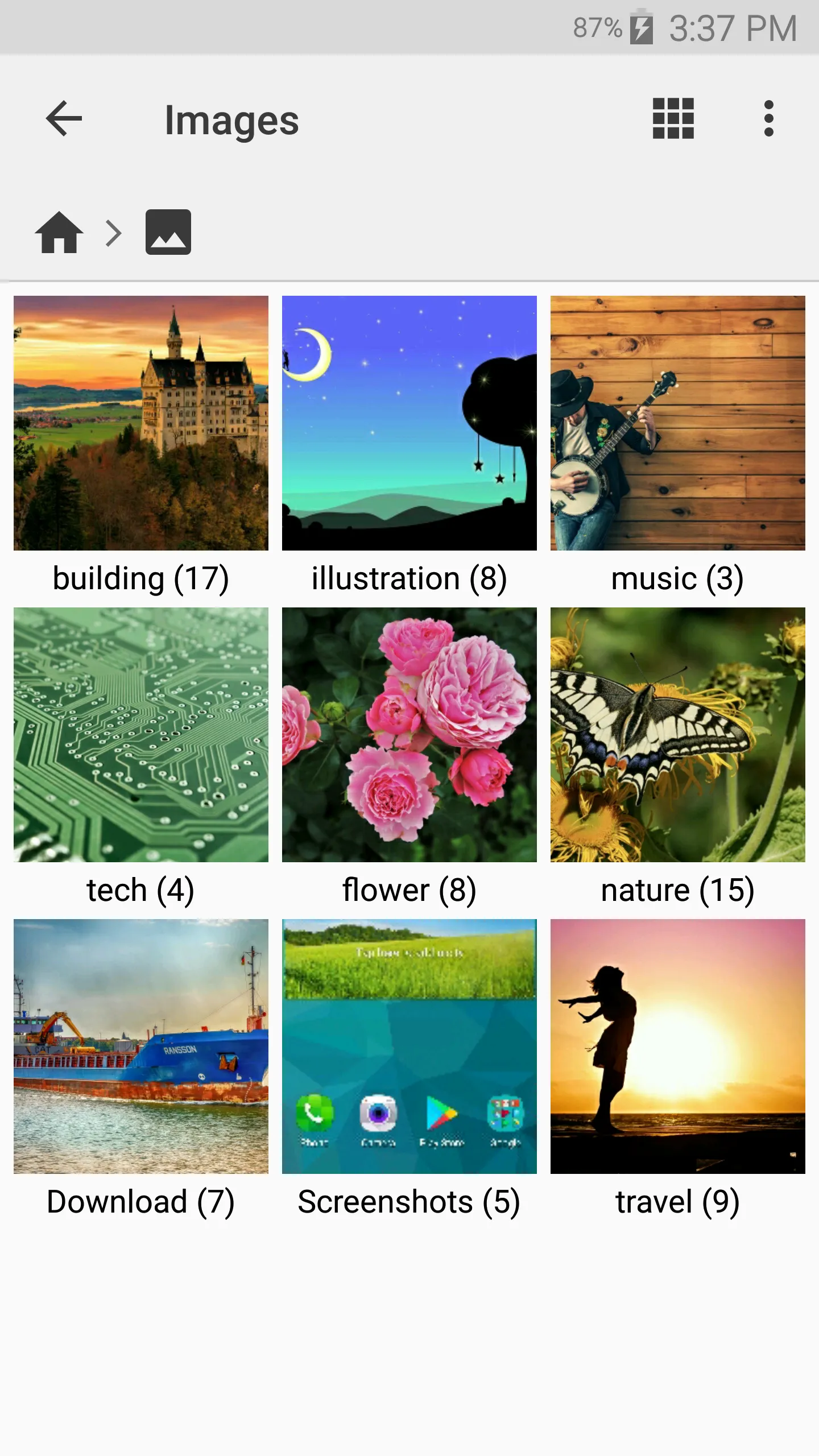
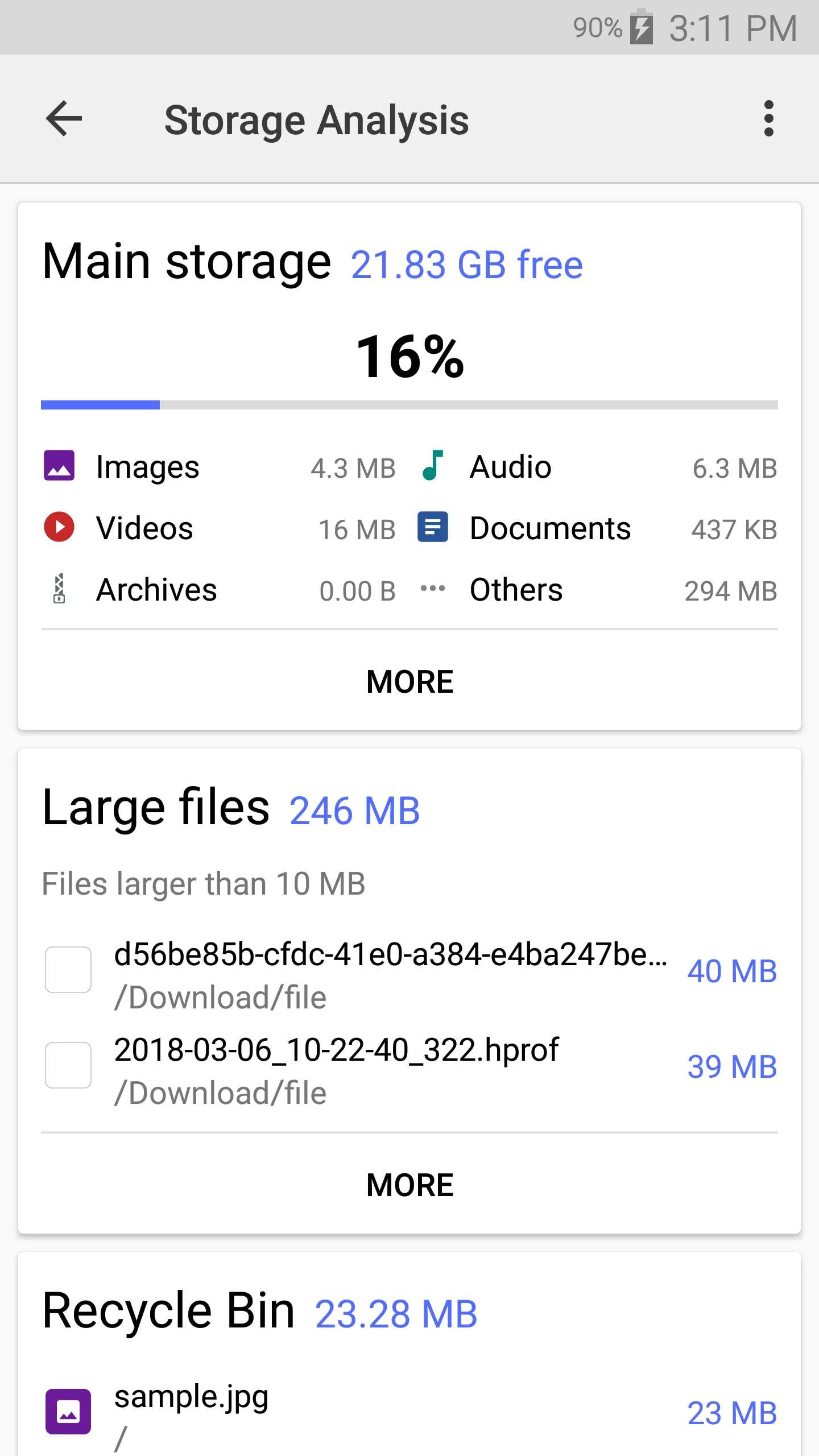
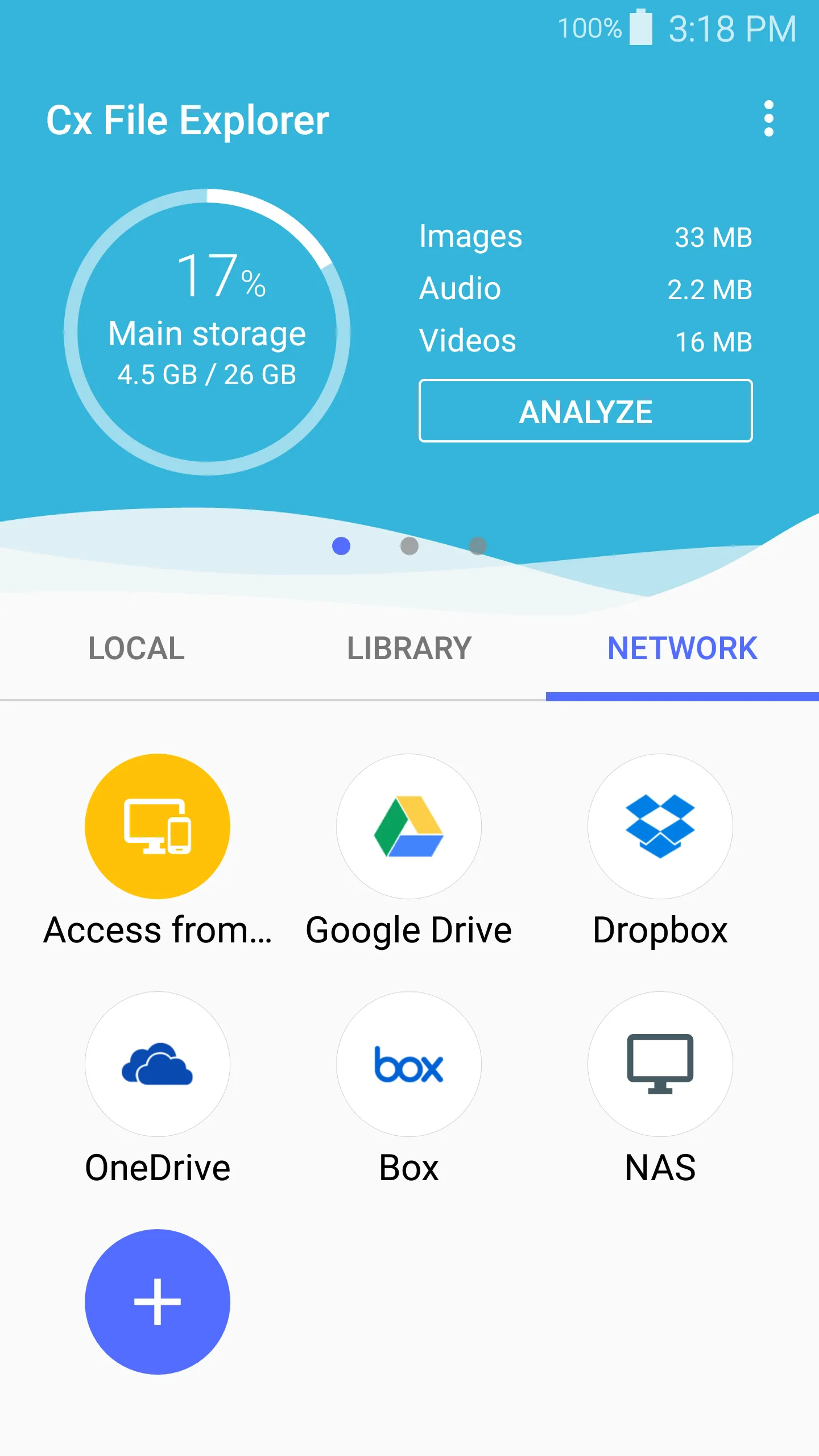
Cx File Explorer is a powerful file manager & storage cleaner app with a clean and intuitive interface. With this file manager app, you can quickly browse and manage the files on your mobile device, PC, and cloud storage, just like you use Windows Explorer or Finder on your PC or Mac. Also it provides a rich set of features that advanced users are looking for without feeling bloated. You can even manage the space used on your mobile device with a visualized storage analysis.
Key features
Organize your files and folders: With a user-friendly UI, you can easily browse, move, copy, compress, rename, extract, delete, create and share files (folders) on both internal and external storage of your mobile device.
Access files on cloud storage: You can manage the files on cloud storages.
Access files on NAS (Network-attached storage): You can access files within remote or shared storage like FTP, FTPS, SFTP, SMB, WebDAV, and LAN. Also you can access your mobile device from PC using FTP(File Transfer Protocol).
Manage your apps: You can manage the apps installed on your mobile device.
Analyze and manage your storage: Cx File Explorer provides visualized storage analysis so that you can quickly scan the available space and manage it. The Recycle bin also helps you easily manage your storage.
Clean up storage quickly: Discover and clean junk files, duplicate files and unused apps in storage cleaner.
Supported devices: Android TV, phone and tablet
Material Design interface: Cx File Explorer uses the Material Design interface.
If you are looking for a file manager app that has simple and sleek interface with full features, Cx File Explorer would be the best choice.
Tools
Ratings
5
10 total ratings
5
100%
4
0%
3
0%
2
0%
1
0%
'%20fill-rule='evenodd'%20clip-rule='evenodd'%20d='M8.04878%200.118571C9.10796%20-0.198465%2010.2321%200.132893%2010.9526%200.961509L18.7058%209.9036H22.0709C23.0433%209.90386%2023.8429%2010.7032%2023.843%2011.6757V13.1309H23.8497C23.8497%2013.4983%2023.5476%2013.8014%2023.1803%2013.8015H19.9372V33.9548C19.9372%2034.423%2019.5703%2034.7975%2019.1021%2034.7977H17.142C15.91%2034.7977%2014.9156%2033.8036%2014.9154%2032.5644V28.0251C13.5538%2028.5582%2012.3722%2028.7169%2010.9963%2028.7169C6.45689%2028.7169%203.74677%2025.6897%203.74677%2020.6099V13.8015H1.77319C0.800641%2013.8015%200.000280942%2013.0091%200%2012.0294V10.573C0.000219737%2010.2057%200.303205%209.9036%200.670545%209.9036H13.5676L5.13039%201.85482C4.82078%201.55938%204.94365%201.04032%205.35428%200.917851L8.04878%200.118571ZM8.78425%2013.8082V20.611C8.78438%2023.1974%209.8151%2024.35%2012.1135%2024.35C12.9637%2024.3499%2014.1167%2024.1489%2014.902%2023.7959V13.8082H8.78425Z'%20fill='white'/%3e%3c/svg%3e)
Permissions
Contacts: access your contacts
Storage: access photos, media, and files on your device
Internet: use your internet connection
Curated for YouSee all






Scan to download on PhonePe Appstore

